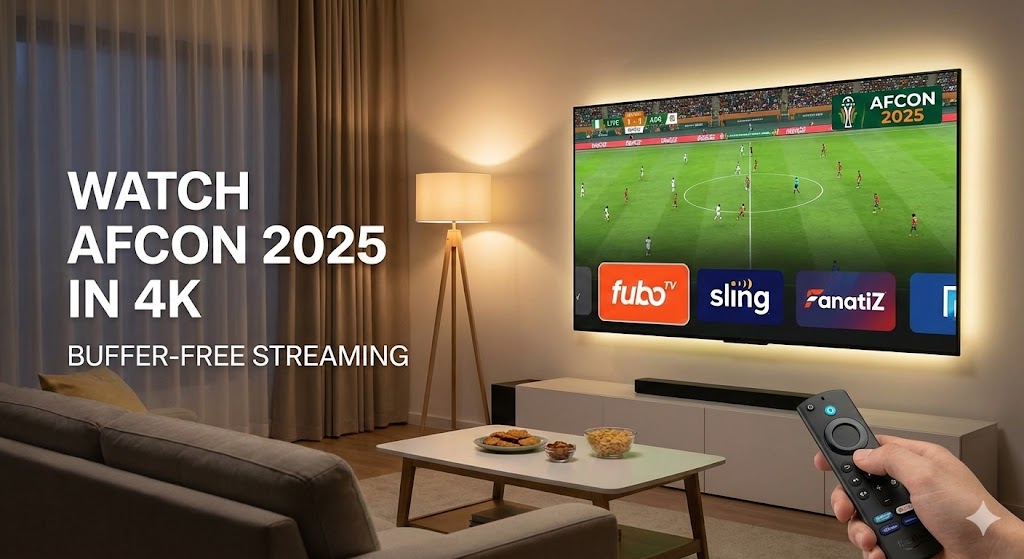
AFCON 2025 on Firestick: Your Ultimate Guide to Watch in the USA (4K, Buffer-Free & Cable-Free)
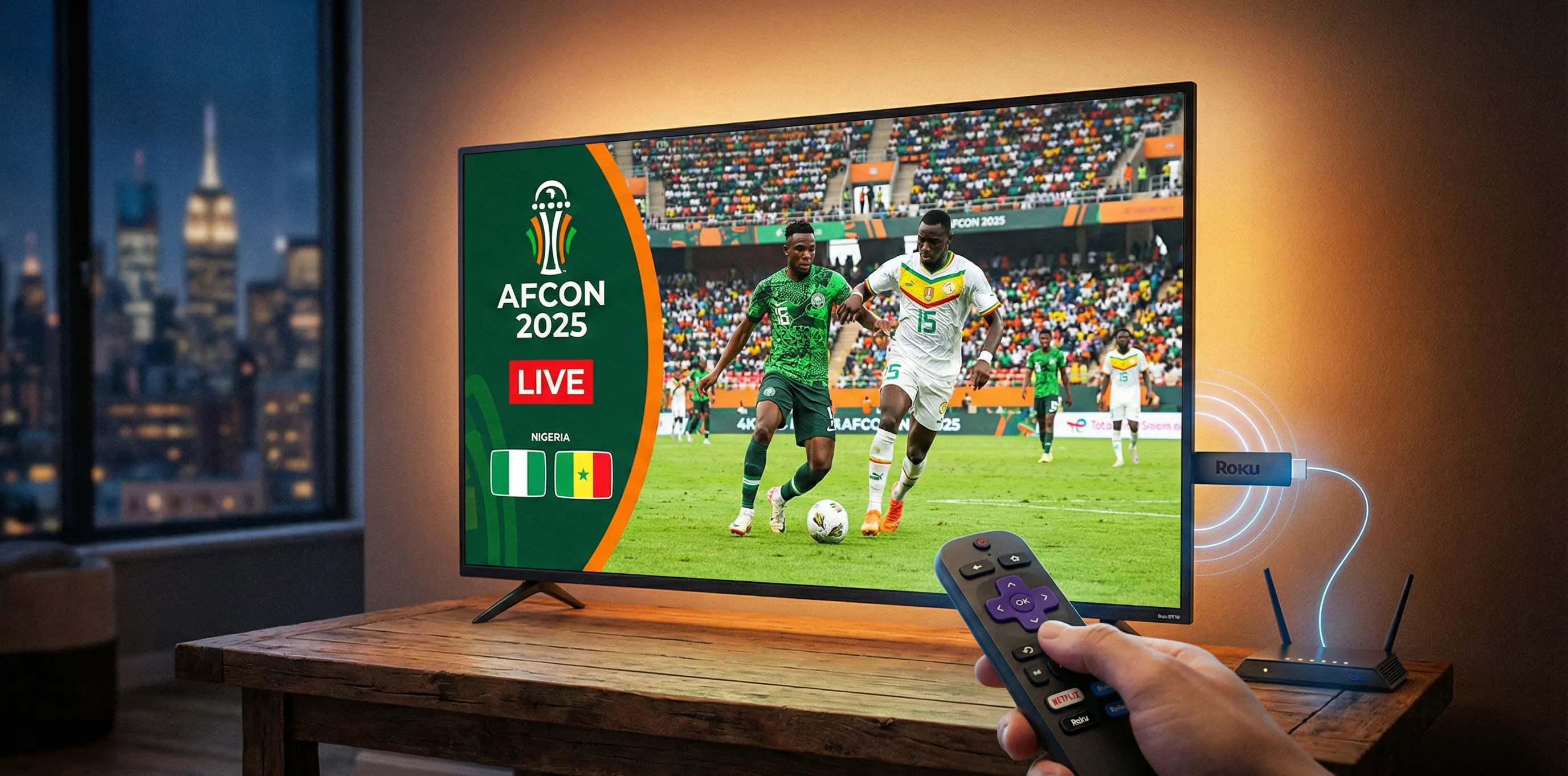
The Africa Cup of Nations (AFCON) is more than just a football tournament; it’s a continental celebration of skill, passion, and national pride. As AFCON 2025 kicks off, fans worldwide are eager to witness the electrifying atmosphere and dramatic upsets.
For viewers in the USA, accessing live sports events with high reliability can be challenging. Fortunately, your Amazon Firestick is the perfect gateway. This guide is your definitive roadmap to enjoying AFCON 2025, ensuring crystal-clear, buffer-free, and entirely cable-free streaming.
Editor's Note: For a deeper dive into all viewing options across different devices (Mobile, PC, Smart TV), check out our previous comprehensive report: How to Watch AFCON 2025 in USA: The Ultimate Guide.
Quick Look: How to Watch AFCON 2025 Now
Feature | Details |
|---|---|
Official Rights Holder | beIN Sports USA |
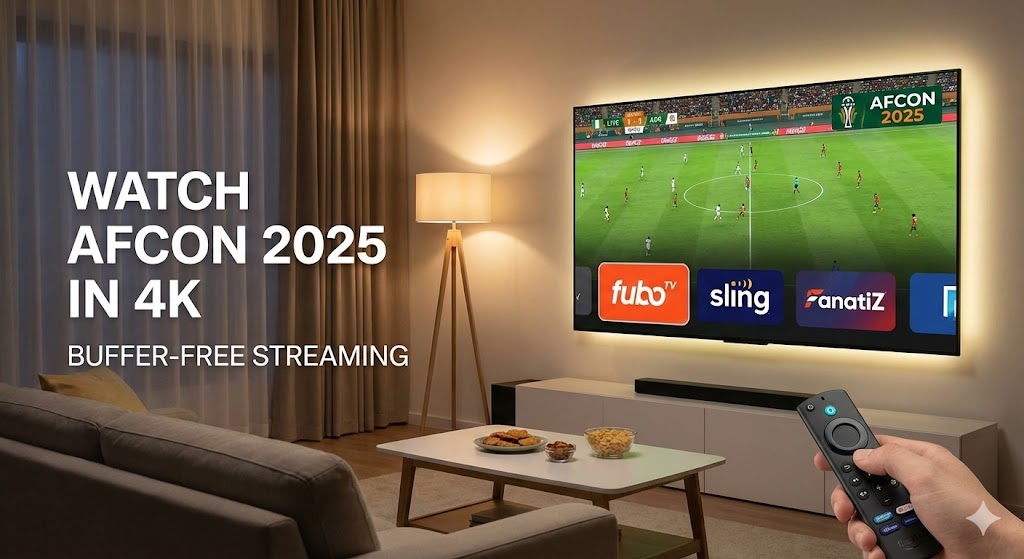
Best Firestick Apps | FuboTV, Sling TV (World Sports), Fanatiz |
Free Option | None officially in USA (requires subscription) |
Recommended Speed | 25 Mbps+ for 4K/HD Streaming |
Top VPNs | Surfshark, ExpressVPN, NordVPN |
The Excitement of the Africa Cup of Nations on Firestick
AFCON 2025 promises to be an unforgettable spectacle, showcasing stars like Mohamed Salah and Victor Osimhen. With the tournament set to captivate audiences, the desire for seamless access on versatile devices like the Firestick is paramount.
Streaming AFCON on your Amazon Firestick allows you to transform any television into a premium sports viewing hub. This flexibility—free from the constraints of traditional cable packages—makes it the best way to watch potential clashes involving powerhouses like Morocco, Senegal, or the host nation, Côte d'Ivoire.
Official Broadcast Rights: Who is Showing AFCON 2025?
Understanding where to legally watch AFCON 2025 in the USA is the critical first step. Broadcast rights can be complex, but knowing the official sources ensures you’re not missing out on any matches.
Key Fact: In the United States, beIN Sports holds the exclusive rights to the Africa Cup of Nations.
Important: You cannot subscribe to beIN Sports directly as a standalone app on Firestick. You must use a Live TV Streaming Service that carries the channel. You can always verify match schedules on the Official CAF Online Website.
Top 3 Official Firestick Apps for AFCON 2025
Cutting the cord doesn’t mean missing out. Here are the best "Cable-Free" apps available on the Amazon App Store that carry beIN Sports:
1. Fanatiz (Most Affordable)
Fanatiz is a sports-focused streaming service. It is often the cheapest legitimate way to get access to beIN Sports on your Firestick without paying for expensive entertainment channels you don't need.
2. Sling TV (World Sports Package)
Sling TV is highly popular for its flexibility. The "World Sports" package is designed specifically for international soccer fans and includes beIN Sports. It’s a great balance between price and performance.
3. FuboTV (Best Quality)
If you want the highest bitrate and potential 4K upscaling, FuboTV is the premium choice. It offers a massive lineup of sports channels and excellent DVR features, ensuring you never miss a match.
Tip: All these apps are available directly on the Amazon App Store.
Step-by-Step: How to Install & Watch
Getting AFCON 2025 onto your Firestick is a straightforward process. Follow these steps to start watching within minutes:
Access the Firestick Appstore: From your Fire TV home screen, navigate to the “Find” or “Appstore” icon.
Search for the App: Use the search function to type "Fanatiz", "Sling TV", or "Fubo".
Download and Install: Select the correct app from the search results and click “Get” or “Download.”
Subscribe: Create an account (most offer free trials) and subscribe to the package that explicitly includes beIN Sports.
Log In: Open the app on your Firestick, log in, and navigate to the live sports section.
Achieving the 4K Advantage: Buffer-Free Streaming
For the ultimate visual experience, 4K Streaming elevates live sports viewing to a new level. While beIN Sports broadcasts primarily in HD, having a Fire TV Stick 4K or 4K Max ensures you get the best possible picture processing.
Essential Hardware & Internet Speed
Device: Fire TV Stick 4K, Fire TV Stick 4K Max, or Fire TV Cube.
Internet Speed: You need a minimum download speed of 25 Mbps for smooth 4K/HD streaming.
Tip: Test your connection using the Silk browser on your Firestick at Speedtest.net before the match starts.
How to Eliminate Buffering (Anti-Freeze Tips)
Buffering is the bane of any live sports fan. If your stream is lagging:
Clear Cache: Go to Settings > Applications > Manage Installed Applications > [Your App] > Clear Cache.
Use Ethernet: Hardwire your Firestick to your router using an Ethernet adapter for maximum stability instead of Wi-Fi.
Force Stop Background Apps: Close apps you aren't using to free up RAM.
Bypassing Geo-Restrictions: Using a VPN (Optional)
While this guide focuses on legal access within the USA, a Virtual Private Network (VPN) can be useful if you are traveling or want to access commentary from other regions (like the UK coverage).
A VPN like Surfshark or NordVPN allows you to:
Mask your IP address for privacy.
Avoid ISP throttling (where your internet provider intentionally slows down your speed during live sports).
Access your home streaming services while traveling abroad.
⚠️ Important Warning: Unofficial IPTV & Free Apps
While the allure of "Free Streaming" is strong, we advise caution regarding unofficial IPTV services. These often come with significant risks:
Security: Unverified apps may contain malware.
Reliability: Streams often buffer or cut off during high-traffic games (like the AFCON Final).
Legal Risks: Accessing copyrighted content without a license is illegal in the USA.
For a frustration-free experience, we recommend sticking to the authorized apps listed above.
Conclusion
Your Firestick is ready to deliver the excitement of AFCON 2025 directly to your living room. By choosing an official app like Fubo or Sling, optimizing your internet connection, and ensuring your device is ready, you are set for a premium stadium experience.
Don't forget to check our detailed comparison in our other guide: How to Watch AFCON 2025 in USA: The Ultimate Guide. Enjoy the game!